8. Time-limited Wi-Fi access
openwisp-voucher is a desktop program (Linux and Windows) that creates time-limited Wi-Fi accounts for the captive portal and prints them as tickets or labels, like hotels do: "Mario has access for 3 days, then the account switches off by itself". It uses the OpenWISP REST API: nothing to install on the server.
What it does
- named guest (username, email, generated password) or voucher series
(
guest1,guest2, …) with passwords generated by the server; - duration in days: the printed date is the last valid day, OpenWISP disables the account at 00:01 the next day; it can also be disabled at once;
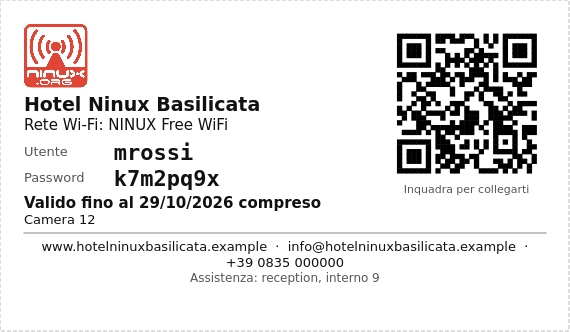
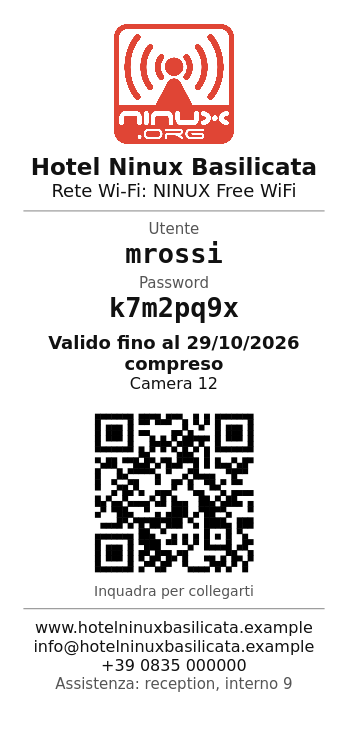
- prints on A4 sheets (10 tickets), 58/80 mm receipts or labels of any size, with logo, website, email, phone, network name and QR code; or PDF or text to copy;
- list of the accounts created, with reprint and status read from the server;
- the superuser chooses the organization, an operator sees only their own.
The screenshots use made-up data ("Hotel Ninux Basilicata"); the interface is also available in English.
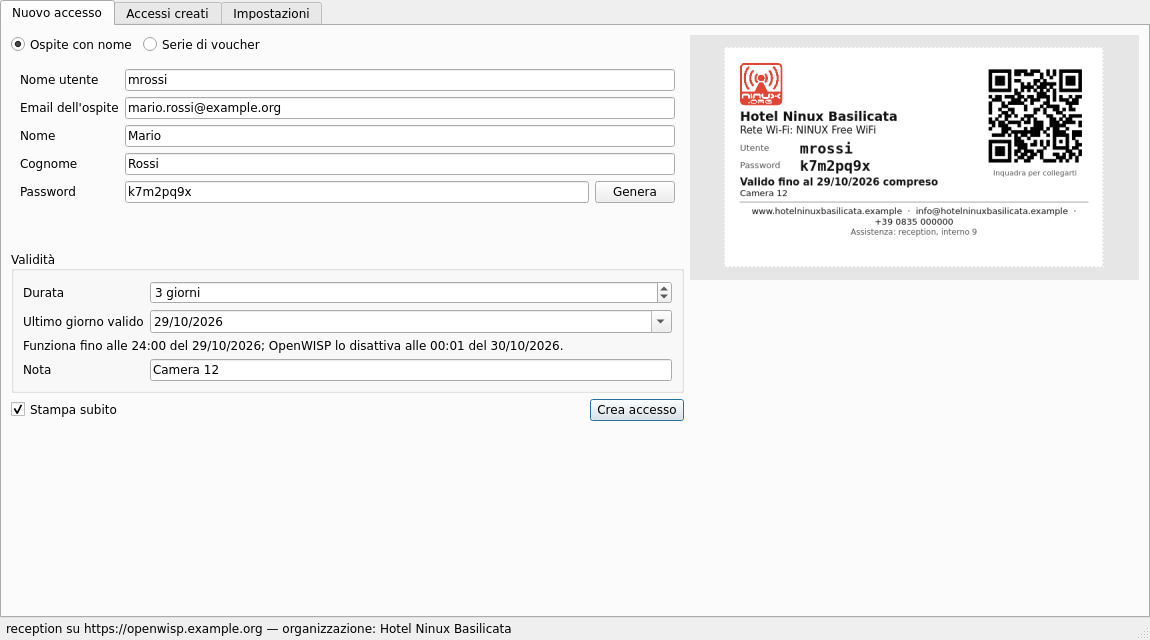
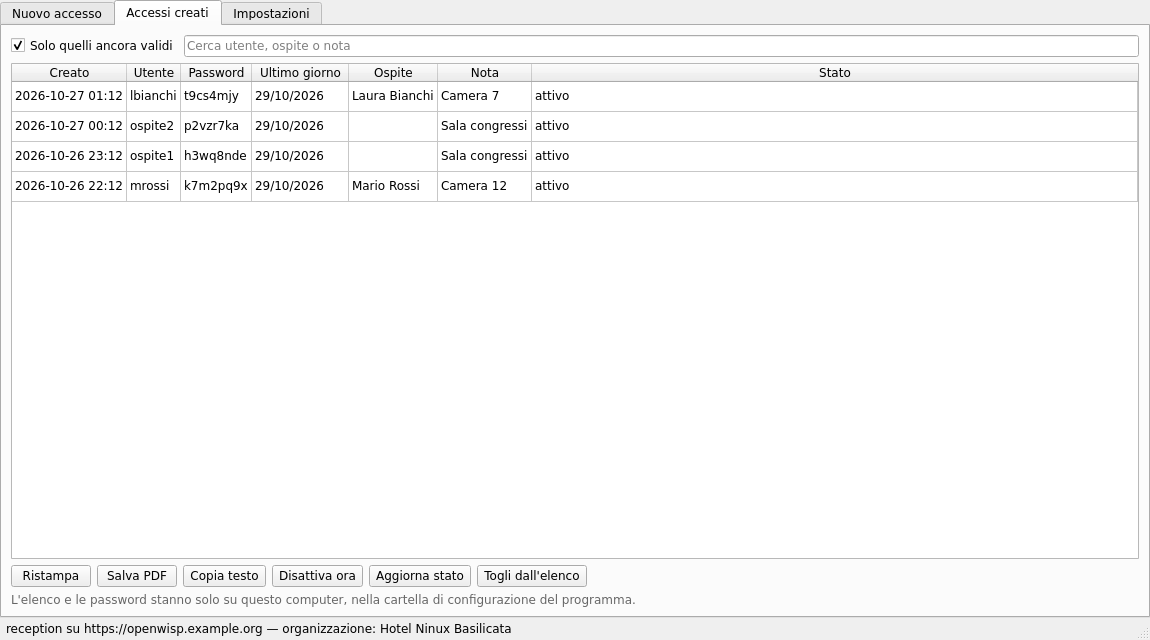
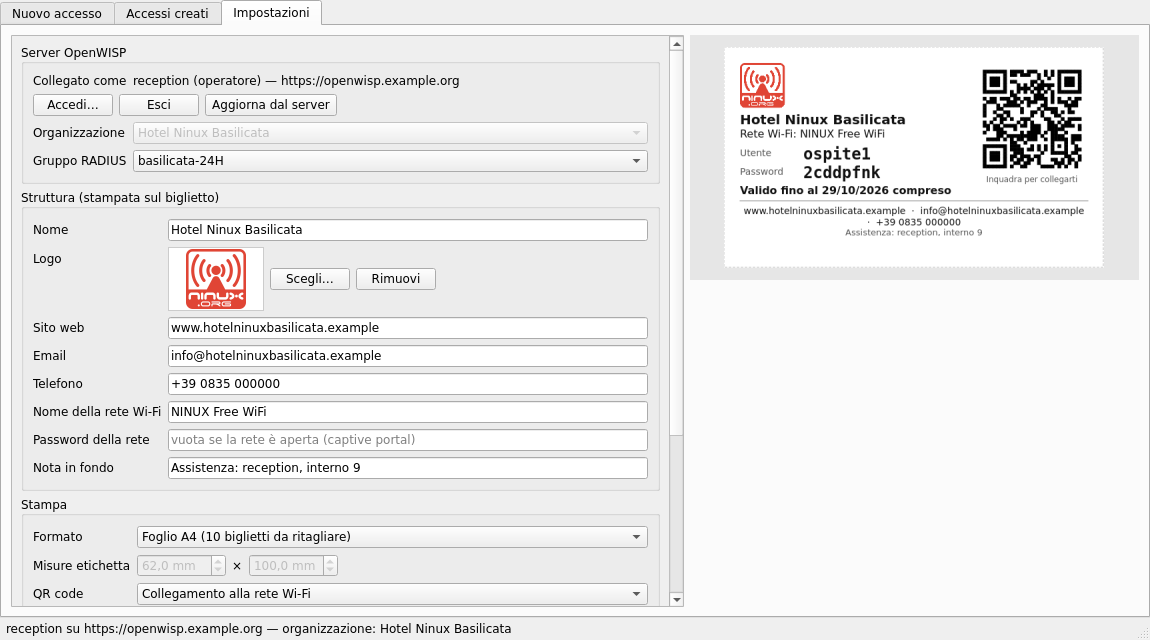
| Ticket from the A4 sheet | 58 mm receipt |
|---|---|
 |
 |
Installation
Download the executable from the
releases:
openwisp-voucher-<version>-windows.exe for Windows,
openwisp-voucher-<version>-linux-x86_64.tar.gz for Linux. Nothing to
install: just run it. On Windows the executable is not signed yet and
SmartScreen asks for confirmation ("More info" → "Run anyway"); the
application for free signing by the SignPath Foundation is pending.
In Settings: "Log in…" with the server (openwisp.ninux-nnxx.it) and your
user, then organization, RADIUS group, logo and venue details. The password is
only used to obtain the token, which goes into the system keyring.
Server side
| What | Where |
|---|---|
openwisp-radius batch API and the deactivate_expired_users task |
already in the openwisp2 playbook |
| RADIUS group for guests | admin → RADIUS → Groups; for Basilicata basilicata-24H (24 hours and 3 GB per day) |
| Login page that accepts the username | login_form.input_fields.username.type: "text" in the organization YAML (see chapter 3) |
| Operator users (reception) | staff, organization managers, permissions listed in the README |
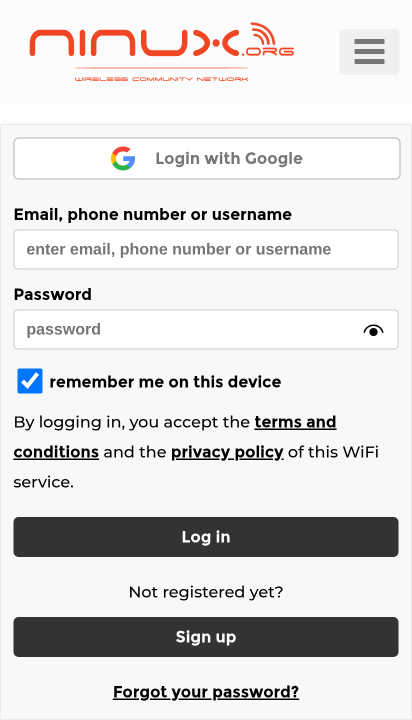
The guest joins the hotspot network and, on the portal page that opens by itself, types the ticket's username and password in the "Email, phone number or username" field.
Guest email
OpenWISP wants a different email for each user. With an email already in use openwisp-radius 1.3 answers with a generic 500 error: the program checks it first and says so clearly.
Releases
GitHub Actions builds the releases when a v* tag is pushed: tests,
Windows and Linux executables with PyInstaller, SHA256 and build provenance
attestation. The procedure is in the program's README, section
Development.